Open the downloaded template
Open the downloaded template folder in Antigravity.
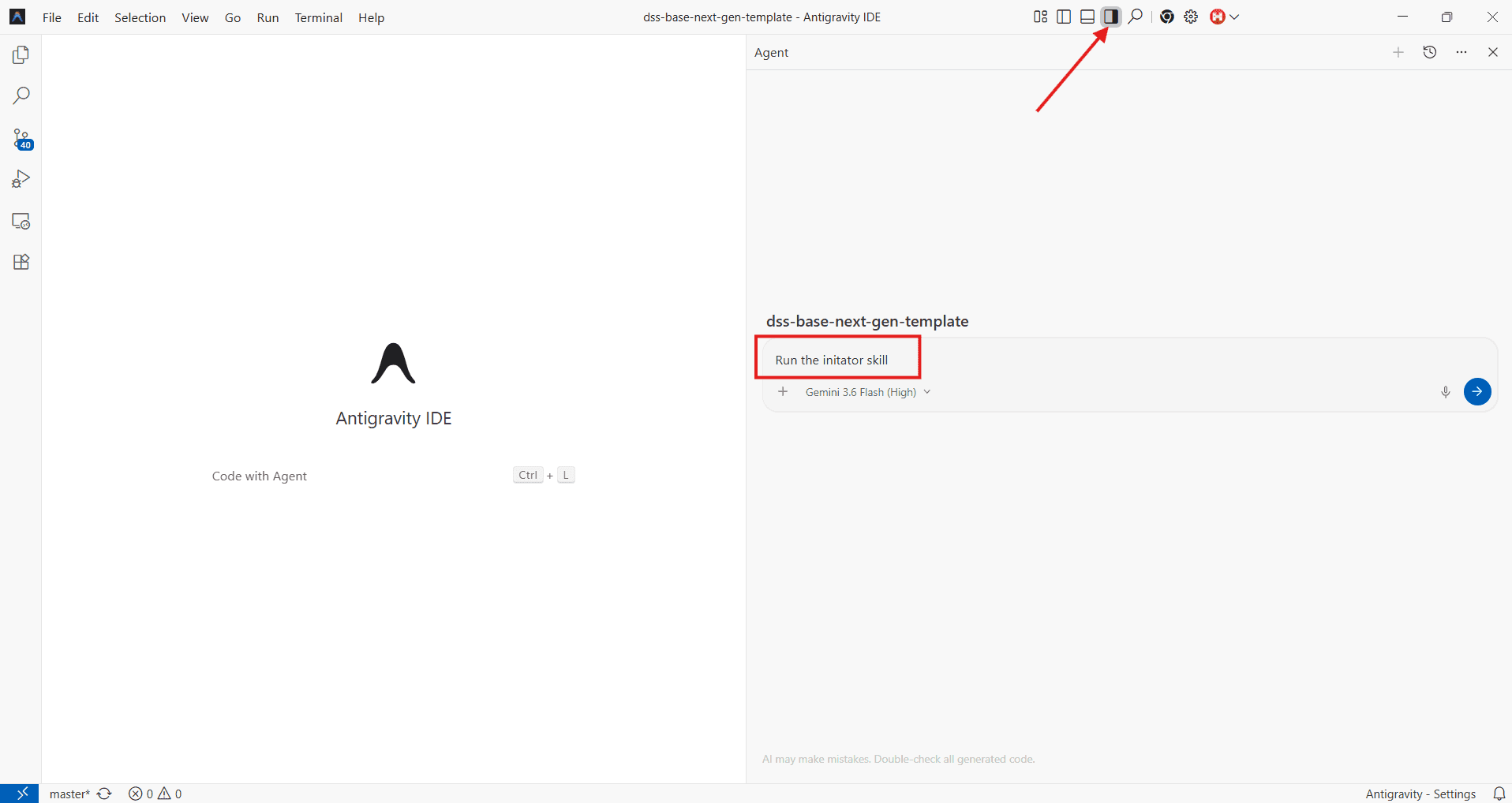
Run the initiator skill
Invoke the initiator skill in Antigravity. The skill will automatically:
- Connect your local git to the remote git repository.
- Sync the commit history.
- Check out a new branch.
- Install project dependencies.
- Generate the
.envfile from.env.sample. - Start the development server.
Wait for the skill to finish
That’s it — no manual steps required. Once the initiator skill completes, your local environment is fully set up and the development server is already running. Now, let’s verify that everything is working correctly.
The development server always runs in SSR mode regardless of NEXT_PUBLIC_BUILD_MODE, so you see live content on every refresh.
Last updated on