Languages
This page lists the languages a site’s content can be written in. Each site has its own list, and a new blank site starts with English.
Open Settings → Languages. Site Admins and Organization Admins can change it.
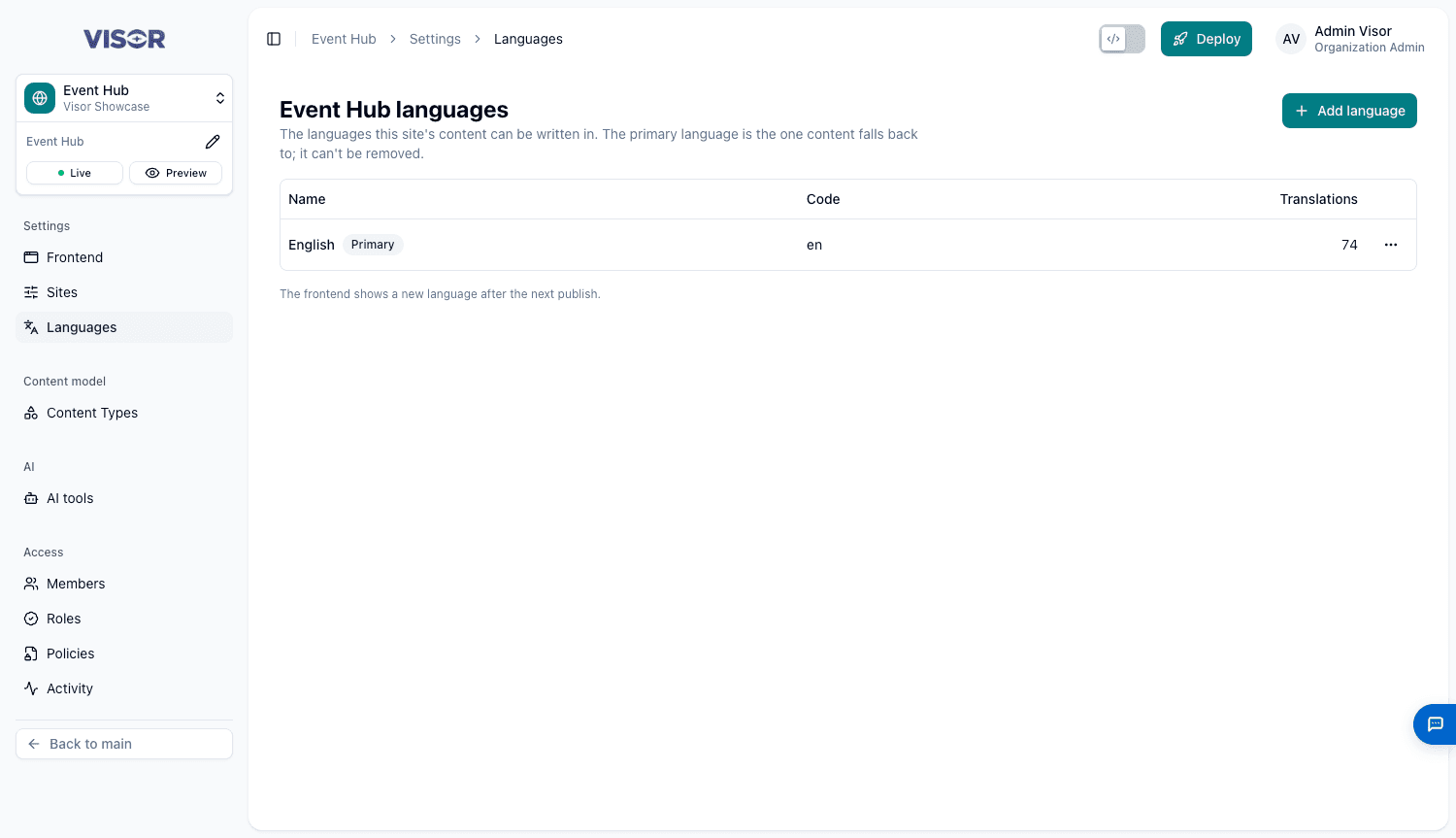
Add a language
Click Add language and choose from the list. No content changes yet. Pages and items get the language when someone translates them.
The website shows a new language after the next publish.
Manage a language
Each row shows its Name, Code and how many Translations it has. Its menu offers:
| Option | What it does |
|---|---|
| Rename | Changes the name shown in Visor. The code stays, because the frontend uses it. |
| Make primary | Makes this the language content falls back to. |
| Remove | Removes it. This is unavailable while translations use it, or for the primary language. |
If the page warns that the site has no primary language, choose one with Make primary.
Languages and Visor’s own interface
These languages are for your content. The globe in the header changes the language of Visor’s interface, which is separate.
Last updated on