Claude Code
Download the kit
In your site, go to Settings → AI tools → Developer setup and click Download · Claude Code. Unzip it.
Open it in Claude Code
Open a terminal in the folder and run claude. In VS Code, open the folder and use the Claude Code extension.
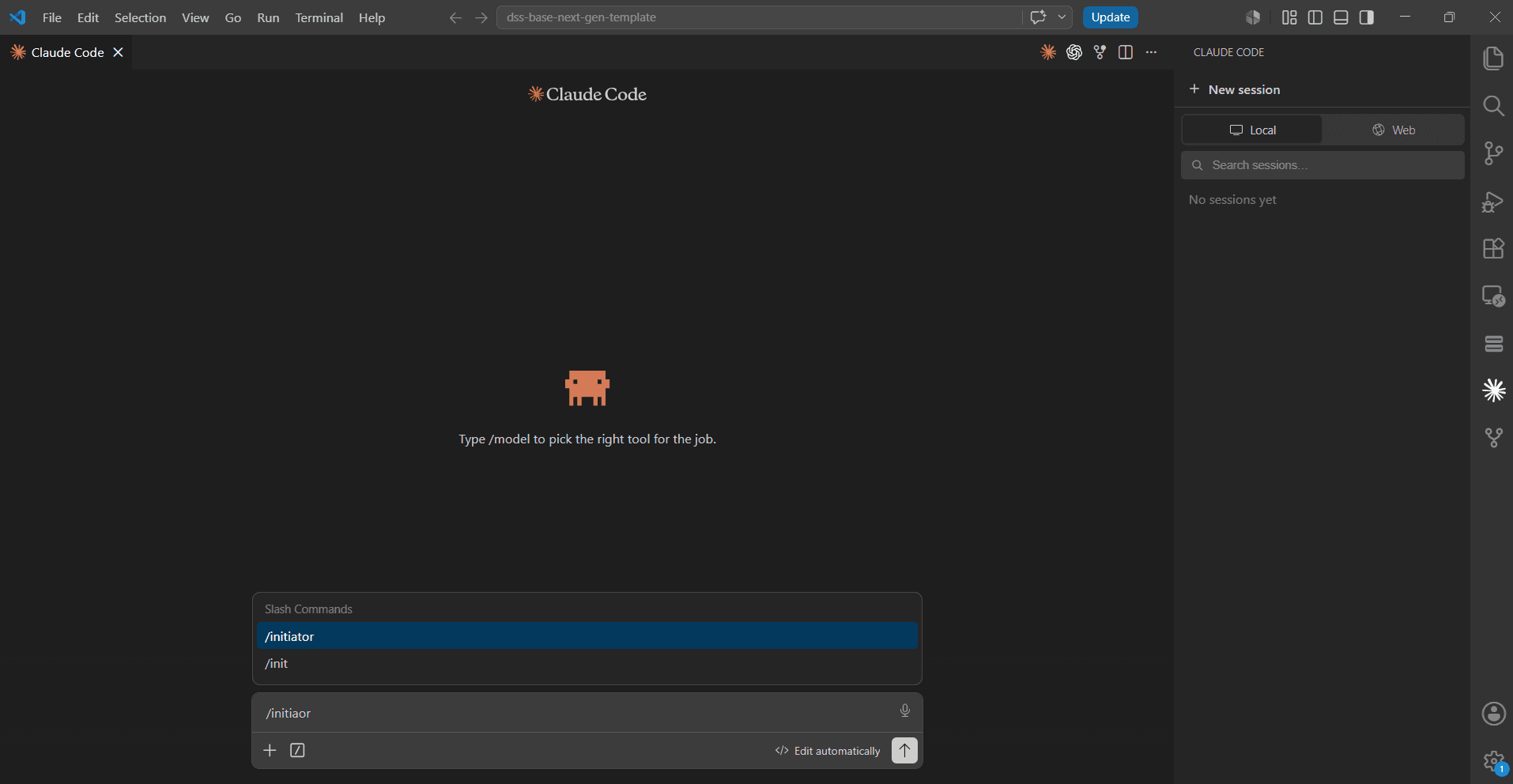
Run the initiator skill
Type /initiator. The skill:
- Fetches the site’s repository.
- Creates an
onboarding/<date>branch. - Keeps the prepared
.env. - Runs
npm install. - Starts
npm run dev.
Sign in to Visor
Type /mcp, choose the Visor server and sign in. On the Connect to Visor page, tick what it may do and click Allow.
The kit’s .mcp.json already points at your site. It holds no token.
Start building
Say “hi” or “help me build my site”, or type /mcp__visor-my-site__build-site, where the name matches your site’s server. Visor leads from there.
Connect without the kit
To connect Claude Code to a site without its code, for example to work on content:
claude mcp add --transport http visor-my-site <mcp-url>Copy the exact command from Settings → AI tools → Connect your AI tool → Claude Code, then type /mcp to sign in.
Skills
Skills are in .claude/skills/ once the code is there, and you start one with /name, such as /convert-html. See Skills.
The dev server always runs in SSR mode, so you see the latest content on every refresh.