Deploy History
Deploy history records every Deploy on the site. Open Deploys under Services → Publishing. The strip at the top shows the last deploy.
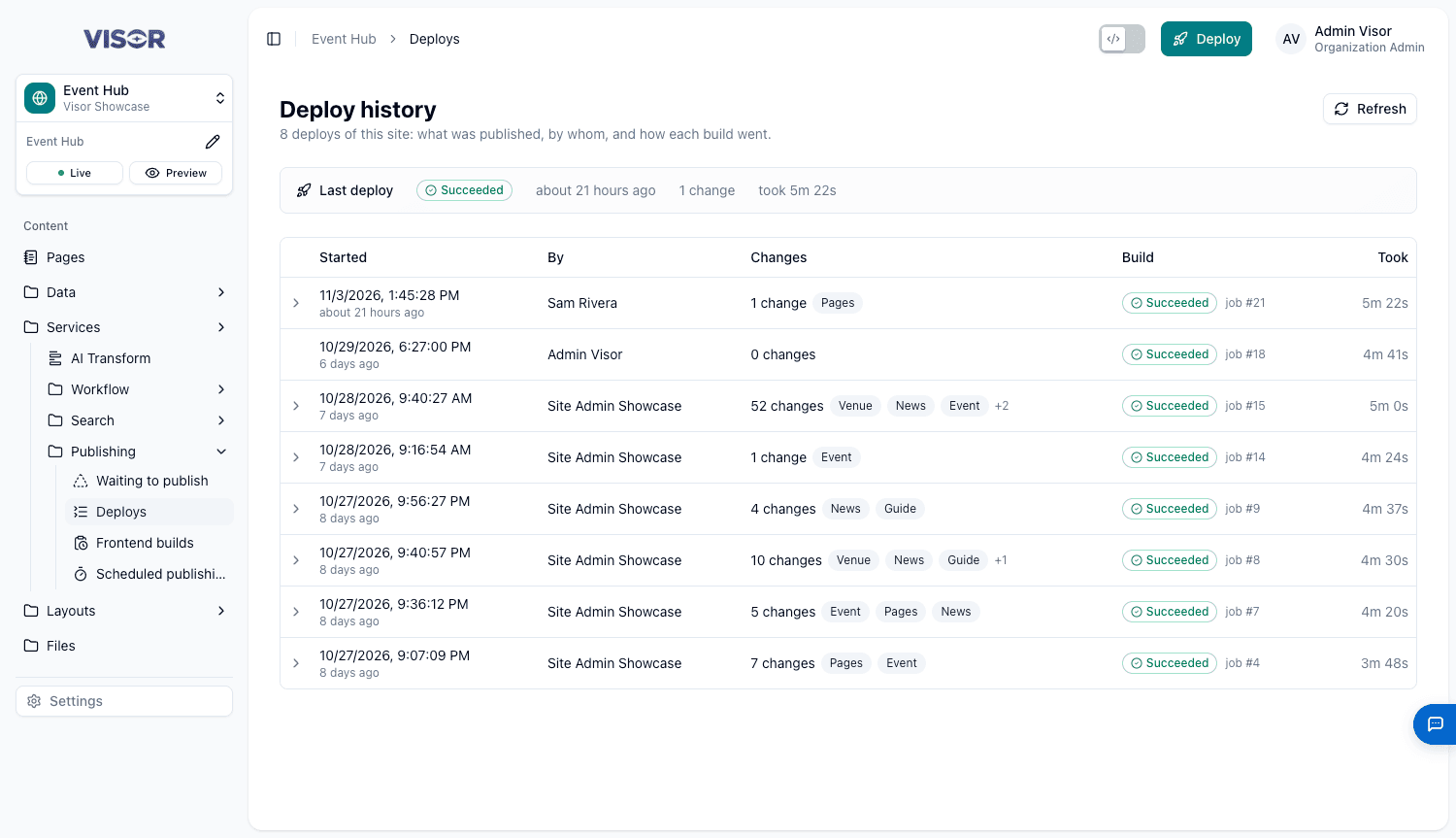
| Column | What it shows |
|---|---|
| Started | When the Deploy began. |
| By | Who started it. |
| Changes | How many changes it included. Expand the row to see them. |
| Build | Succeeded, Failed, Building or No build. |
| Took | How long the build took. |
The page refreshes by itself while a build runs, or click Refresh. Use Newer and Older to page through the history.
To read a failed build’s log, see the frontend’s Builds tab.
Last updated on